VoxelDream
A downloadable tool for macOS
A voxel-first 3D modeling studio for building, editing, and exporting game-ready assets.
Like building with blocks — simple to start, practical to ship.
VoxelDream is a controllable voxel-based 3D creation tool for game developers, Minecraft creators, and anyone looking for a simpler way to create and edit 3D assets.
Instead of dealing with topology, UVs, normals, and other traditional 3D modeling concepts, you work directly with voxels: build shapes, paint them, erase them, move parts around, and keep everything editable.
You can start from scratch, import images or existing voxel content, create and refine your model, then export the result for use in Minecraft or standard game-development workflows.
VoxelDream is a solo project built primarily with Unity and has been in development for several years.
Very Early Beta
VoxelDream is currently in a very early beta.
The core modeling workflow is usable, but you should expect bugs, unfinished features, UI changes, and possible changes to project files.
Please keep backups of anything important.
I'm currently looking for early users to try the editor and tell me what works, what feels confusing, and what you would actually want to use it for.
What you can do
Build and shape voxel models
Create models using:
- Freehand drawing
- Lines
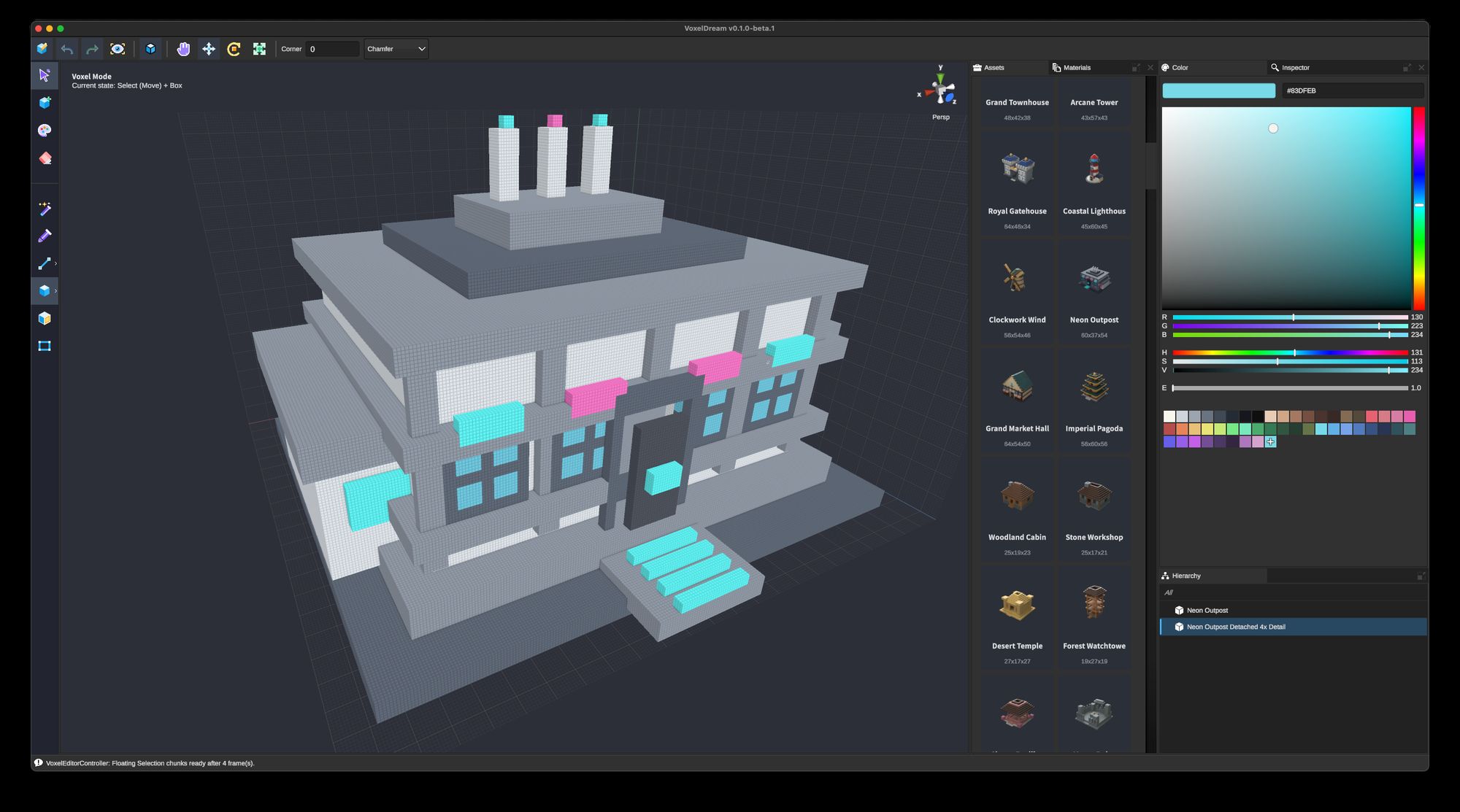
- Boxes
- Spheres
- Cylinders
- Pyramids and prisms
- Stairs
- Surface and region selection
- Fill, paint, erase, and color-picking tools
Select parts of a model and move, rotate, scale, duplicate, recolor, or separate them.
Work with complete 3D assets
VoxelDream has two main editing environments:
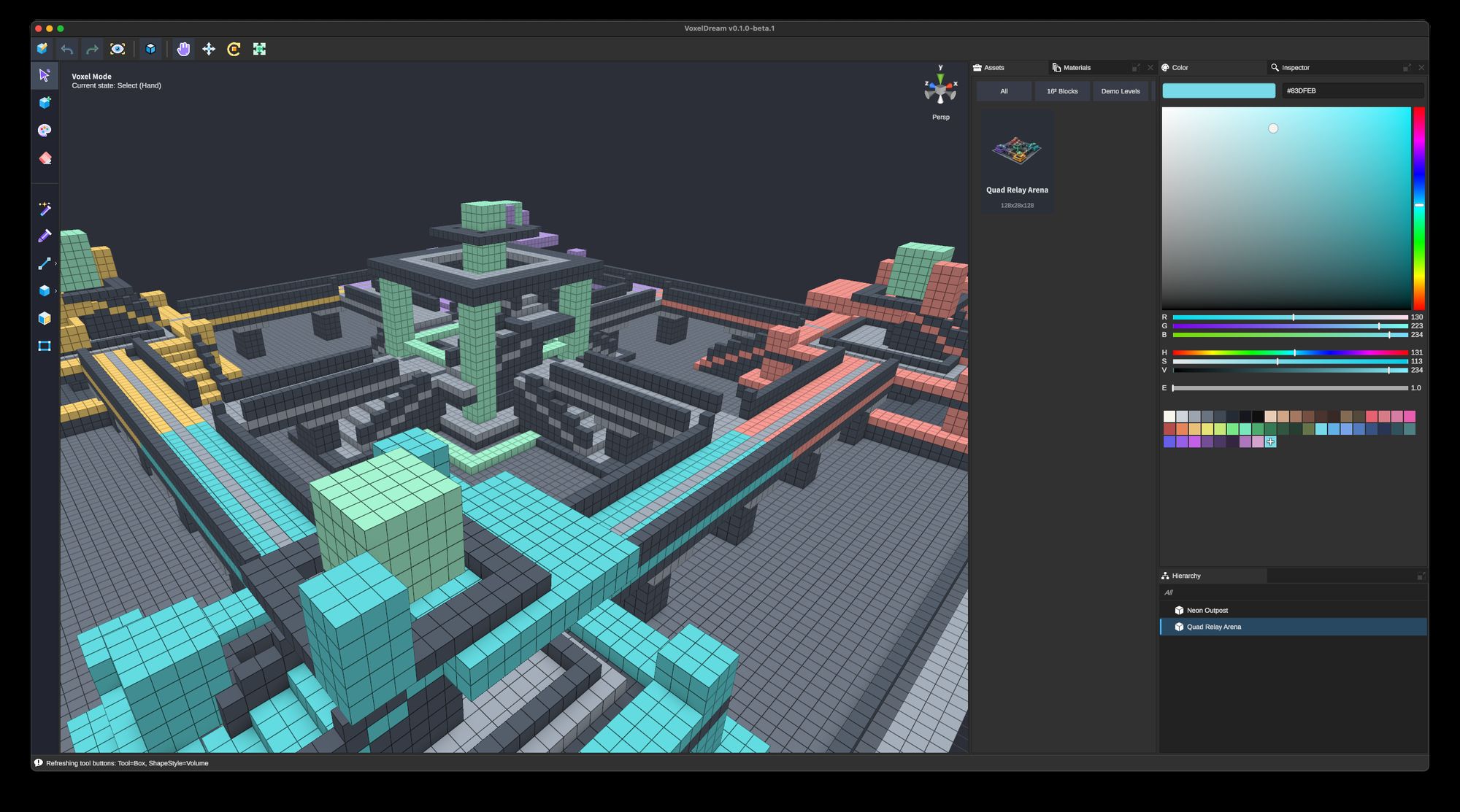
Voxel Mode lets you work directly with the voxels inside an asset.
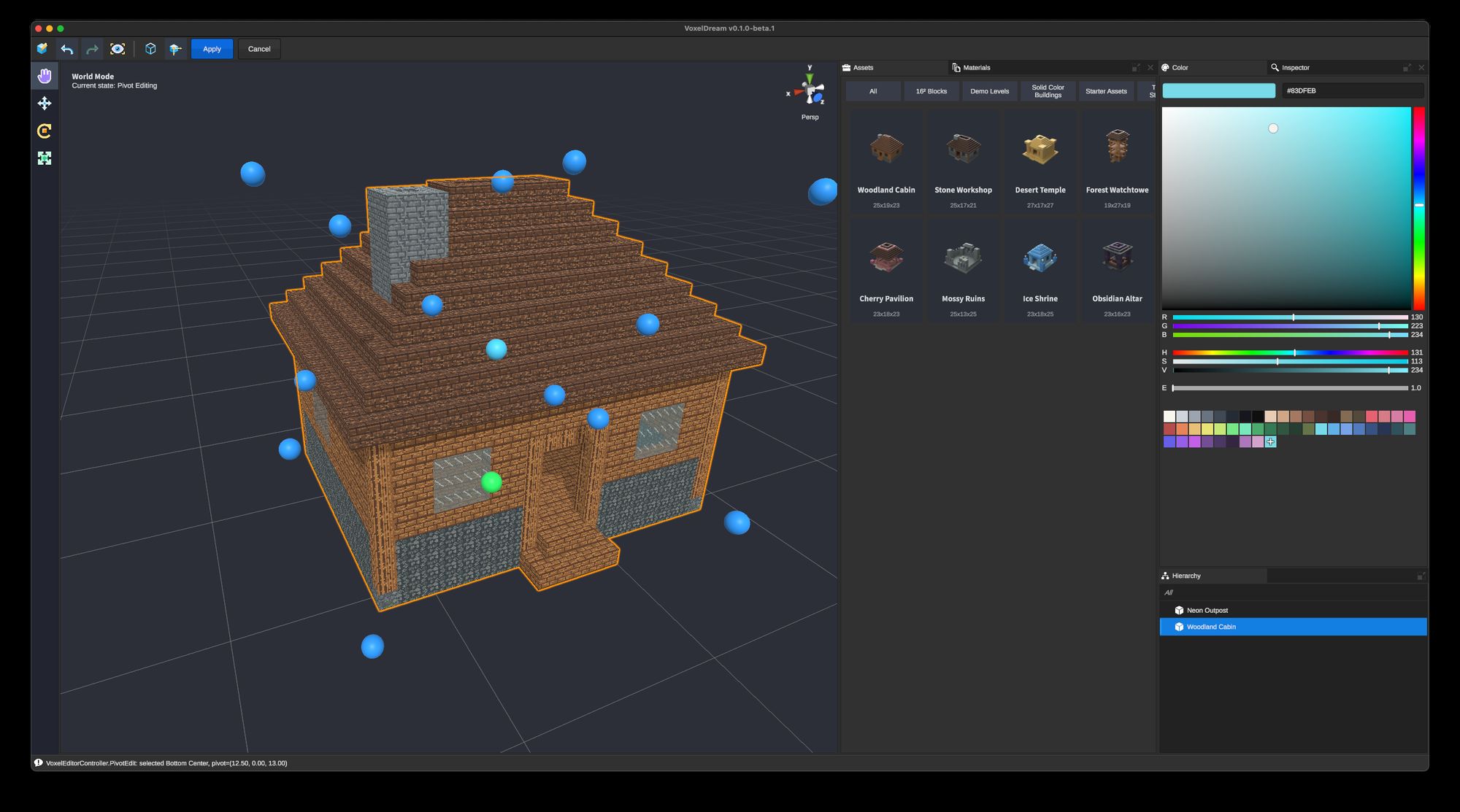
World Mode lets you organize multiple assets, move and transform objects, manage hierarchy, and adjust pivots.
Your original voxel data remains editable instead of being flattened into a final mesh.
Import existing content
You don't have to start from an empty workspace.
VoxelDream can work with:
- VVOX voxel assets
- PNG
- JPEG
- WebP
- BMP
Images can be converted into editable voxel content and then refined using the normal modeling tools.
Colors and Minecraft materials
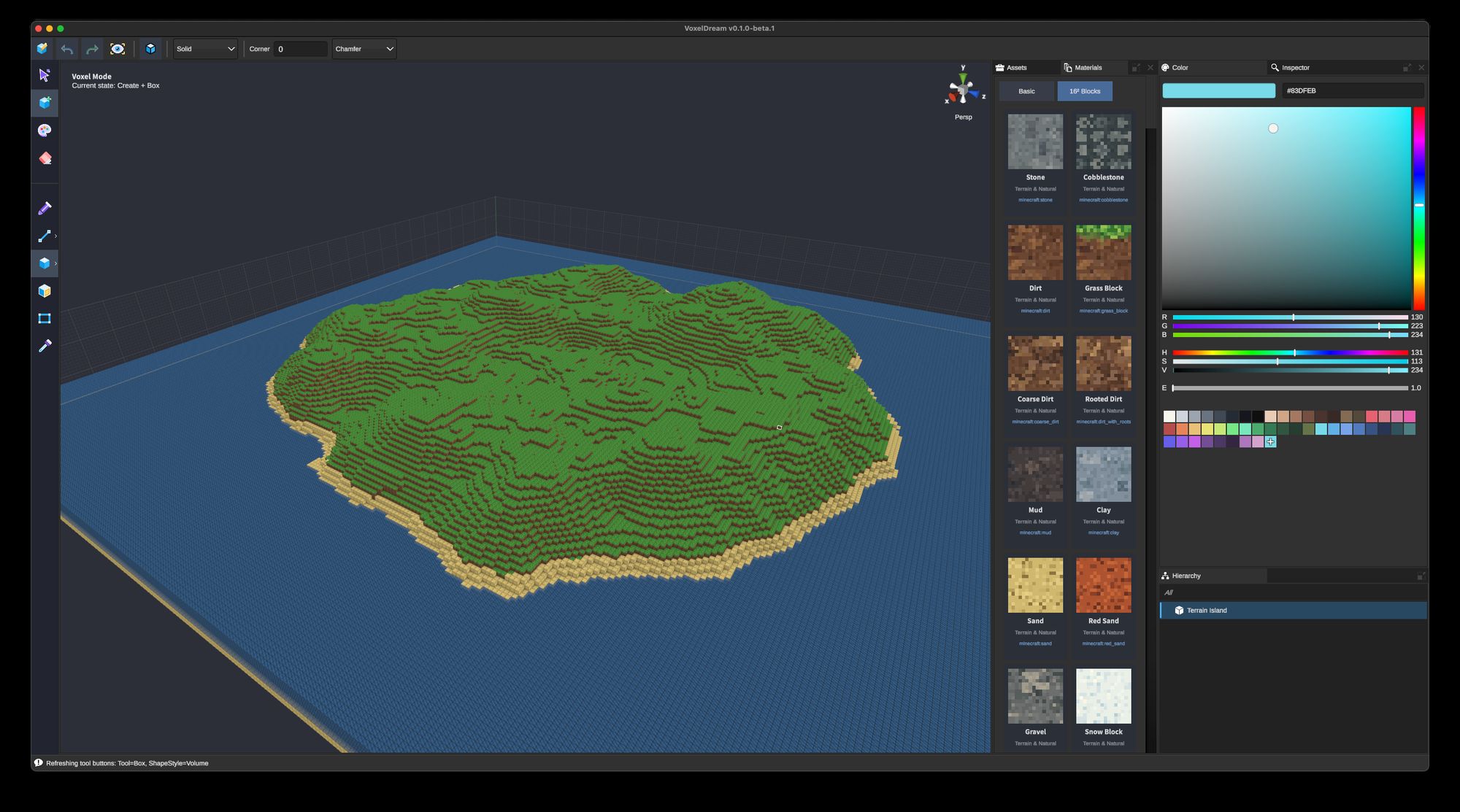
VoxelDream supports both regular solid-color voxels and Minecraft block materials.
This makes it possible to use the same editor for general voxel art, game assets, and Minecraft-oriented workflows.
Export your work
Finished assets can be exported as:
- FBX for Unity, Unreal, Godot, Blender, and other standard 3D workflows
- Minecraft Add-On packages for supported Bedrock workflows
- PNG renders for previews and presentation
VoxelDream projects can also be saved as .voxproj files so you can reopen them later and continue editing the original voxel source.
Who is this for?
VoxelDream is currently aimed primarily at:
- Indie game developers
- Minecraft creators
- Voxel artists
- 3D modeling beginners
- Developers who need simple, editable game assets
- Anyone who prefers direct modeling over a traditional DCC workflow
The long-term idea is simple:
Make 3D creation feel as approachable as building with blocks, while still producing assets that can actually be used in real projects.
Feedback wanted!
This Early Beta is mainly about finding out how people actually use VoxelDream.
If you try it, I'd especially like to know:
- What was confusing when you first opened it?
- Was there anything you expected to be able to do but couldn't?
- Which parts of the workflow felt useful?
- What would make you open VoxelDream a second time?
Bug reports, suggestions, and even small comments are very welcome.
If something breaks, please include your operating system, VoxelDream version, and the steps that caused the problem.
Free to use
VoxelDream is free to use for personal and commercial purposes.
Content you create with VoxelDream remains yours and may be used commercially, subject to the rights of any source material you import.
Thanks for trying VoxelDream — and especially for helping shape it while it's still early.
Links:
Download / Releases · GitHub Project Page
Download
Install instructions
Important macOS notice
These early beta builds use ad-hoc code signing and are not notarized by Apple. macOS may block the app on first launch. If that happens, move VoxelDream to Applications, then open System Settings → Privacy & Security and choose Open Anyway.
Development log
- Hello World2 days ago
Leave a comment
Log in with itch.io to leave a comment.